Skip to Main Content
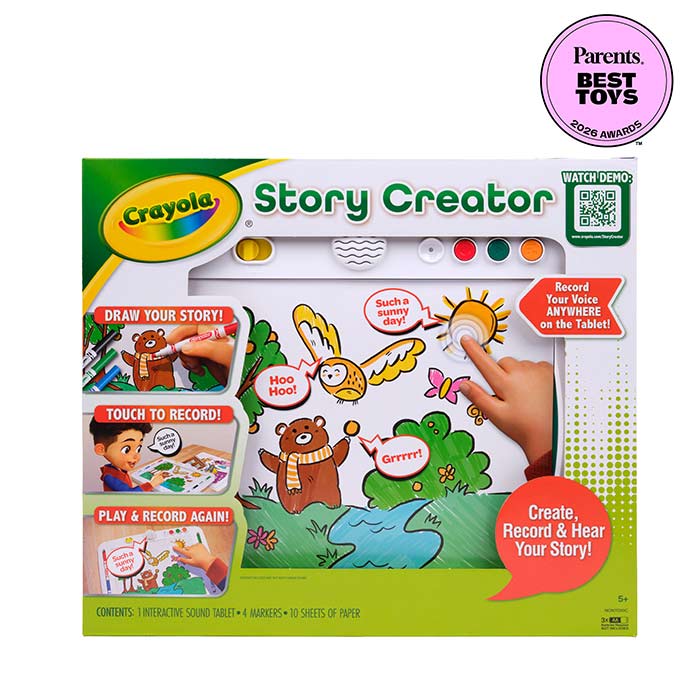
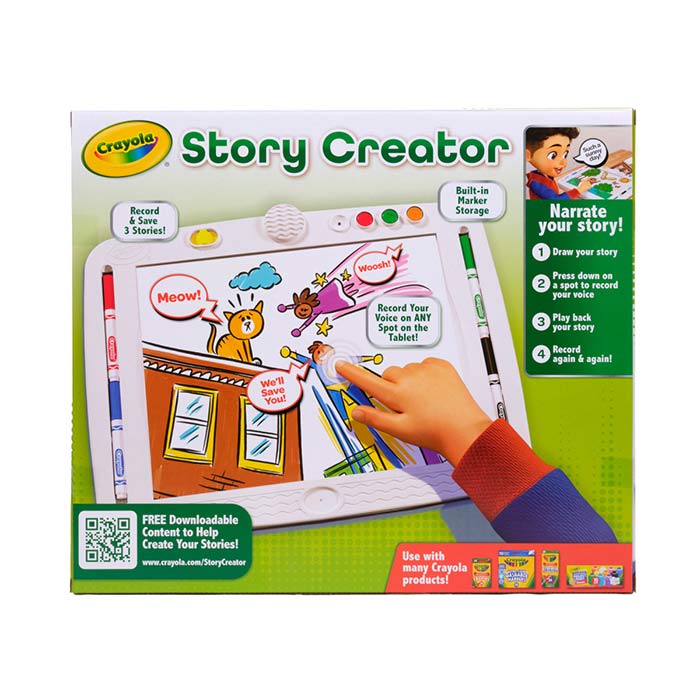
  • The Crayola Story Creator lets kids turn drawings into stories they can hear, share, and revisit—no screens required. Using the interactive sound tablet, kids draw scenes and characters, then record their own narration to bring each page to life with sound. With up to 15 minutes of audio space across three drawings, children can build stories, practice sequencing, and explore creative expression at their own pace. Interactive audio adds an exciting, multi‑sensory twist to art, helping kids communicate ideas while staying engaged. The set includes markers and paper and works with all Crayola art supplies, giving kids endless ways to personalize their creations. Whether they’re telling stories, journaling, or creating imaginative worlds, kids can record, replay, and create again and again with this screen‑free storytelling toy.

    Requires 3 AA batteries, not included.

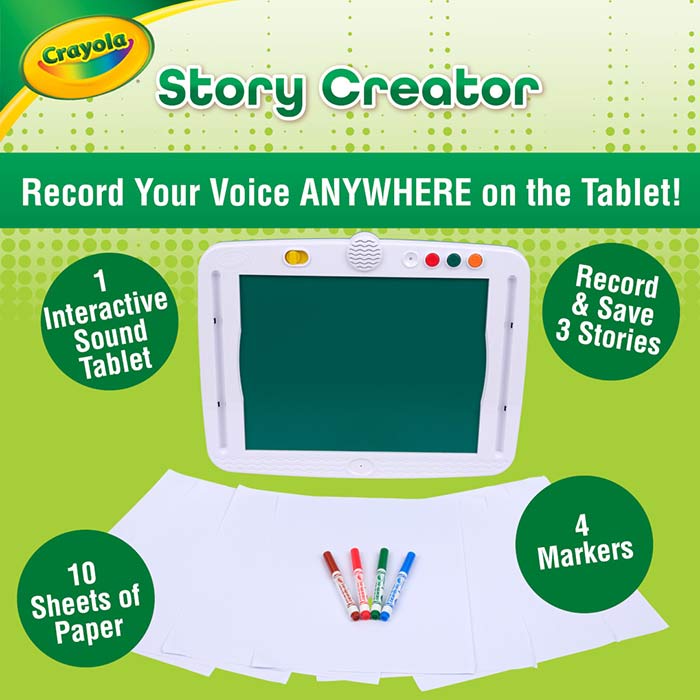
  • CRAYOLA STORY CREATOR SET: Includes one Interactive Sound Tablet, four markers, and ten sheets of paper, giving kids everything they need to draw, narrate, and record their own stories. Requires 3 AA batteries, not included.

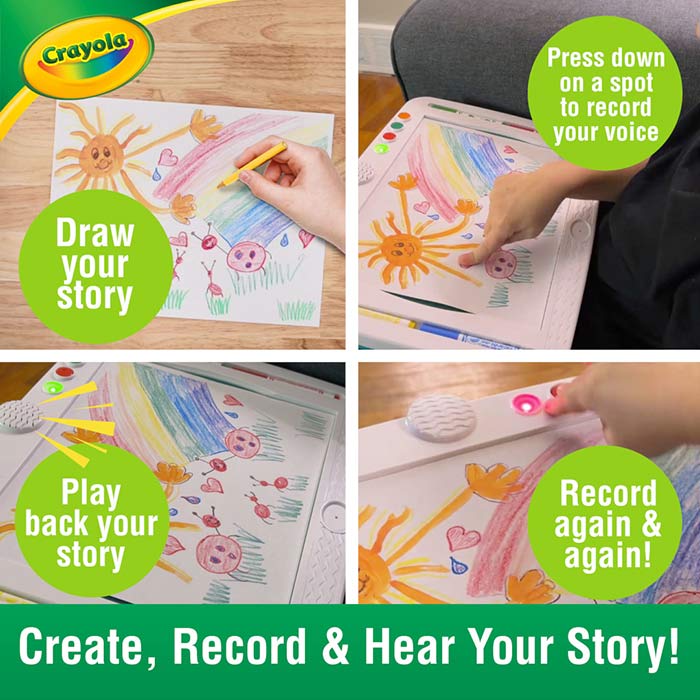
    RECORD & PLAY BACK STORIES: Allows kids to record up to 15 minutes of audio across three drawings, supporting early storytelling, communication, and sequencing through creative play.

    ADD SOUND TO ART: Interactive audio brings drawings to life, adding a multi‑sensory layer that turns artwork into personalized, voice‑powered stories.

    CREATE AGAIN & AGAIN: Kids can re‑record narration, make new stories, and revisit saved creations, encouraging imaginative play, journaling, and creative writing.

    PAIR WITH CRAYOLA ART SUPPLIES: Designed to work with Crayola crayons, markers, and colored pencils, giving kids flexible ways to customize every story.

    SCREEN‑FREE ACTIVITY: Promotes imagination and expressive play without screens or apps making it a hands‑on creative experience.

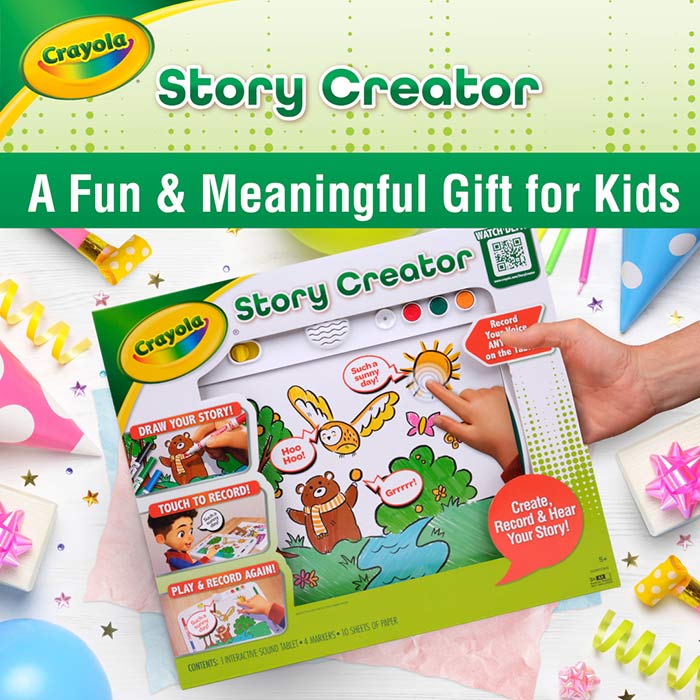
    GREAT FOR KIDS: A fun and meaningful gift for kids over 5 who love drawing, storytelling, and interactive creative activities.

  • RECORDING TIPS:

    Microphone Placement: Be careful not to cover the microphone at the bottom center of the unit when you record.

    Apply Even Pressure While to Start Recording: Apply even pressure with finger while recording and ensure that you hear a beep, signifying that recording has begun in that location. If insufficient pressure is applied your recording at that location will be cut off prematurely.

    Reapply Pressure if Recording Stops: If insufficient pressure is applied while recording, then reapplied, you will hear the beep sound again. The stored recording will only capture your voice after the second beep.

    Be Aware of Hand and Wrist Placement While Recording: While recording, do not rest your wrist or other hand on the surface as this may cause the unit to stop recording.

    STORAGE TIPS:

    Marker Storage: Store markers in wells on the right or left of the art surface.

    Battery Removal for Storage: Remove batteries if storing for an extended period. Battery removal will not affect recorded story content.

    ORGANIZATION TIPS:

    Total Recording Time Limit: Total recording time is about 15 minutes. If time is used up a warning sound will play when you try to record. You must erase some or all your recordings or recorded pages before recording.

    Page Numbering: For stories with more than one page be sure to number each page of your story to remember the proper order.

Crayola Story Creator, Interactive Sound Tablet for Kids

Item Number: 041311

Ages: 5+

More Activities & Ideas

Unlock creativity with fun activities, free printables, and seasonal project ideas!